Take Reeva everywhere
Install Reeva on your device — pick a platform to see the steps.
Encrypted in transit and at rest. Your data stays private and secure.
Reeva is an independent product and is not affiliated with, endorsed by, or sponsored by any third party mentioned on this page. All product names, logos, and brands are the property of their respective owners and are used here only for identification and comparison.


Install on Windows
Chrome / Edge
- Open the app URL below in Chrome or Edge.
- Click the install icon at the right of the address bar — or open the menu and choose Apps → Install.
- Confirm Install. The app opens in its own window; pin it to the taskbar or Start menu.
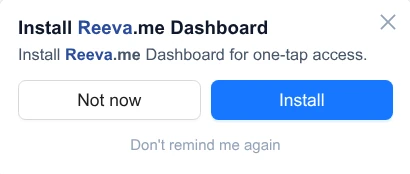
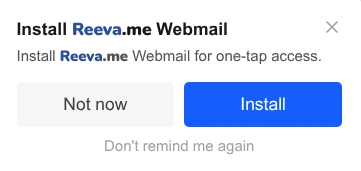
The browser shows a prompt like this:
Install on macOS
Safari 17+ or Chrome / Edge
Safari 17+
- Open the app URL below in Safari.
- File → Add to Dock…
- Click Add. The app appears in your Dock and Launchpad.
Chrome / Edge
- Open the app URL in Chrome or Edge.
- Click the install icon in the address bar — or menu → Install.
- Drag the app from Applications to the Dock.
In Chrome / Edge the prompt looks like this:
Install on Linux
Chromium-based browsers
- Open the app URL below in Chrome, Chromium, Brave or Edge.
- Click the install icon in the address bar — or menu → Install.
- The app launches from your applications menu and the activities overview.
Firefox on Linux does not currently support installable PWAs — use a Chromium-based browser.
The browser shows a prompt like this:
Install on iOS / iPadOS
Safari only
- Open the app URL below in Safari (Chrome on iOS won't install PWAs).
- Tap the Share button (square with an arrow up).
- Scroll and tap Add to Home Screen.
- Tap Add. The app lives on your home screen with its own icon.
Install on Android
Chrome / Brave / Edge
- Open the app URL below in Chrome (or any Chromium browser).
- Tap the menu (⋮) → Install app (or Add to Home screen).
- Confirm. The app installs to your app drawer like any other app.
Open in your browser
No install needed
Reeva runs in any modern browser. Pick the app you want to open below — bookmark it for one-click access.